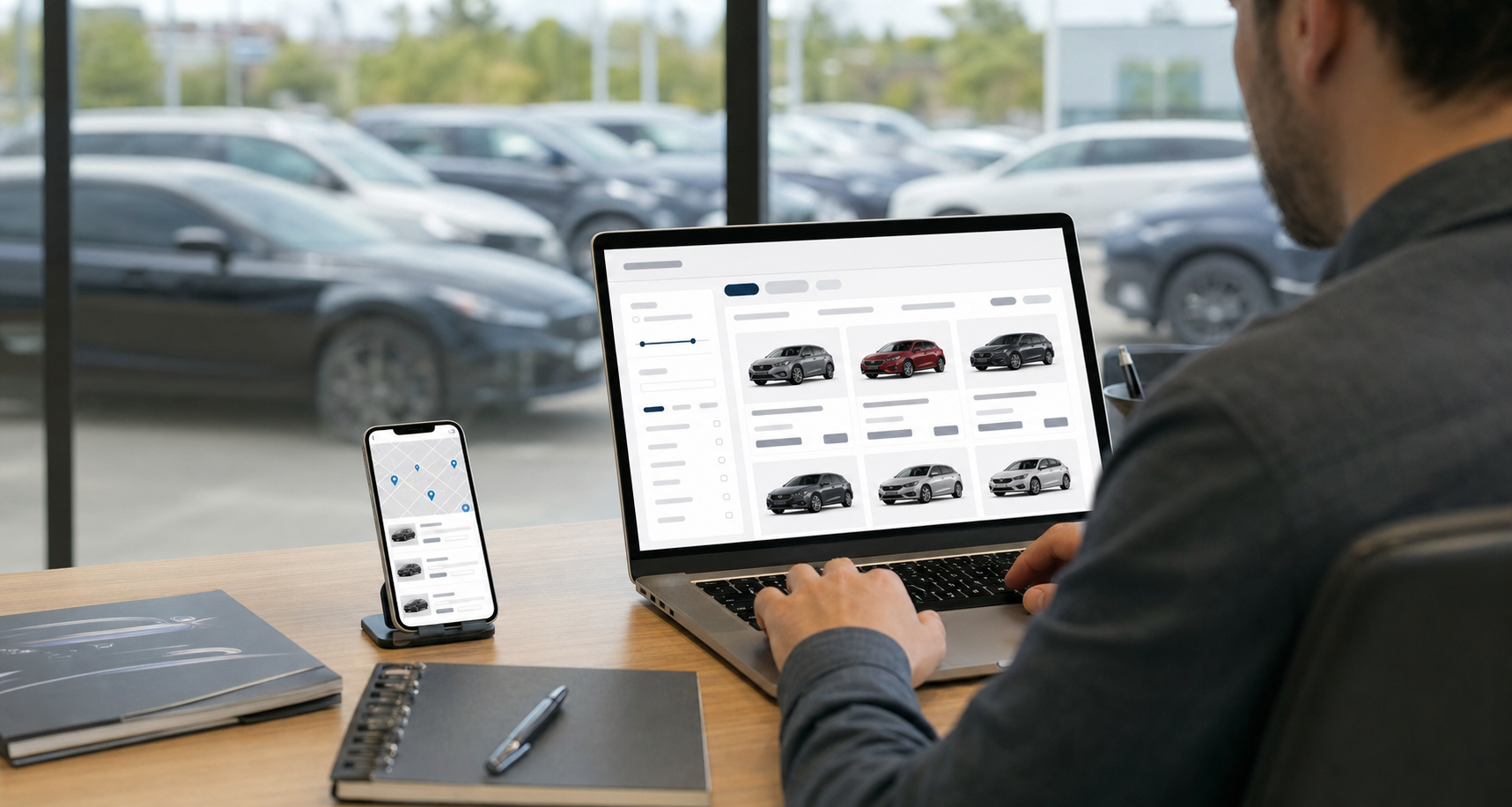
Google has confirmed that Local Inventory Ads will be enabled by default rather than left as something advertisers switch on themselves. For dealerships, that turns a setting most stores never got around to flipping into something that just happens, and it puts the quality of your inventory data on display.
- Local Inventory Ads move from opt-in to on by default for eligible advertisers
- The listings pull from your product feed, so bad data becomes visible fast
- Maps and local search start behaving like a shopping aisle with your stock attached
What On by Default Actually Changes
Local Inventory Ads have been around for years, but plenty of businesses never used them because the setup sat behind a checkbox they didn’t know existed. Making it the default changes who has to act. Instead of waiting for stores to opt in, Google now assumes you want your nearby stock represented, and the burden shifts to anyone who’d rather not participate.
The practical effect is simple. Shoppers searching from a phone a few miles from your lot can see that you have something on the ground, without ever typing your store name. That’s a different kind of visibility than a text ad promising a great selection. It’s specific, and specificity tends to pull people off the fence.
Your Feed Becomes the Front Door
This is where a lot of stores get caught out. These listings don’t read your website the way a shopper does. They read a structured feed of what you have, and whatever that feed says is what people see. If a vehicle sold last Thursday and your feed still lists it, someone may drive over for a car that isn’t there. If your photos are placeholders or your trim descriptions are vague, that’s what shows up next to a competitor’s clean listing.
Dealers who already run tight feed hygiene will find this shift works in their favor. Stores that treat the feed as a set-and-forget technical chore are about to learn how much of their storefront it really controls. Before this rolls through your account, pull your feed and read it like a customer would. Check that availability updates on a schedule that matches how fast your lot actually moves.
Maps Turns Into a Shopping Aisle
Most people still think of Maps as the app you open when you already know where you’re going. That’s changing. Once inventory data attaches itself to a business listing, a map pin stops being a location and starts being a shelf. Somebody browsing nearby stores can compare what two dealerships have available right now, in the same view they’d use to check hours.
Any dealer with a page built around used cars for sale has spent years fighting for that click through organic search and paid campaigns. This adds another route to the same shopper, one that skips the website entirely on the first touch. Your Business Profile details, hours, photos, and reviews carry more weight when they sit beside a live list of what you’ve got.
Where the Real Work Sits
None of this replaces the fundamentals. It rewards the stores that already do them well. Accurate stock counts, consistent naming, current pricing, and photos that match the actual vehicle all matter more when Google is putting that information in front of people automatically.
If you’d rather sit this one out, talk to whoever manages your Google Ads account about your options. Most dealers shouldn’t bother. Turning off a free path to local shoppers because the data isn’t ready is solving the wrong problem. Fix the feed instead.
Getting Your Inventory Ready Before Shoppers Look
Give yourself a short checklist this month. Confirm your Merchant Center and Business Profile are properly linked, verify how often your inventory pushes updates, and spot-check a handful of listings against what’s physically on the lot. Then watch which vehicles start pulling traffic. The stores that treat this as a data project rather than an ad setting will be the ones showing up when someone three miles away starts looking.